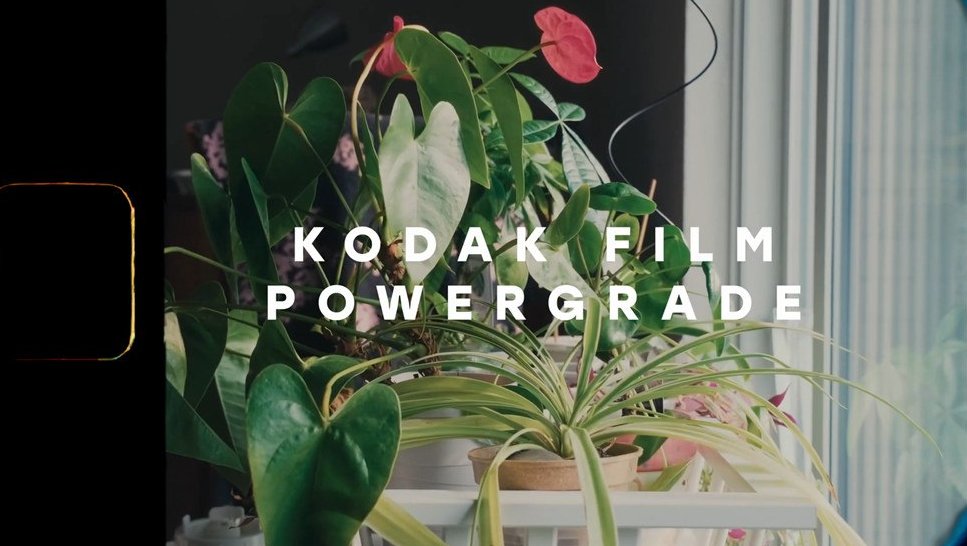
Kodak Film PowerGrade for Fujifilm F-Log — DaVinci Resolve
This pack is unlike any standard LUT. Instead of a simple .cube file, it includes a complete PowerGrade for DaVinci Resolve — a node tree built specifically for footage shot in Fujifilm F-Log that replicates the characteristic tonal response, contrast, and color palette of Kodak film. The result is a film emulation with a depth and accuracy that single-node LUTs cannot match.
By loading the PowerGrade directly into DaVinci Resolve, you gain access to each stage of the color processing separately: color space transformation, film density curve emulation, highlight response, shadow treatment, and final look adjustment — all editable node by node.
What's included?
- ✦ .drx PowerGrade — complete node tree for DaVinci Resolve, directly importable from the grade gallery
- ✦ .dpx reference image — F-Log color space reference frame for calibrating and comparing the grade
- ✦ Optimized specifically for Fujifilm F-Log and F-Log 2
What is a PowerGrade and why is it superior to a LUT?
A .cube LUT is a single-layer color transformation table — it applies the grade in one step with no possibility of internal editing. A DaVinci Resolve PowerGrade is a complete node tree that you can open, modify, disable layers, or adjust the intensity of each stage independently. It's the tool professional colorists use in cinematic production.
- Full control over each stage of the grade — no black box
- Ability to disable specific nodes (e.g., only apply color space transformation without the creative look)
- Node intensity adjustment using the Key Output wheel
- Perfect base for customizing the look and turning it into your own signature style
Compatible Fujifilm cameras
Calibrated for Fujifilm's F-Log profile, compatible with:
- Fujifilm X-T5 · X-T4 · X-T3 · X-T2
- Fujifilm X-H2 · X-H2S · X-H1
- Fujifilm GFX 100S · GFX 100 II · GFX 50S II
- Fujifilm X-S20 · X-S10
- Any Fujifilm camera with F-Log or F-Log 2 profile
How to install the PowerGrade in DaVinci Resolve
- Open DaVinci Resolve and go to the Color panel
- Open the Gallery — album icon in the left sidebar
- Right-click on the album where you want to save it → Import
- Select the
.drxfile included in the download - The PowerGrade will appear in your gallery, ready to apply with one click
- Apply it to your F-Log clip and adjust node by node according to the footage
Look characteristics
- Emulation of Kodak film contrast and density curve
- Highlights with a smooth roll-off — no digital clipping
- Warm and detailed shadows, characteristic of Kodak tungsten film
- Natural skin tones with warmth response calibrated for daylight and indoors
- .dpx reference image included to compare before/after with real F-Log footage
Ideal for
- Fujifilm camera users who want the Kodak film look without changing systems
- Colorists who prefer working with editable PowerGrades instead of black-box LUTs
- Wedding, documentary, and lifestyle videographers seeking an organic, timeless look
- DaVinci Resolve users (Free and Studio) who want to master the professional grading workflow
📦 Immediate digital download after purchase. Includes 1 .drx file (PowerGrade) + 1 .dpx reference image. Exclusive to DaVinci Resolve — not compatible with Premiere Pro, Final Cut, or other NLEs. No physical shipments.
]]>